Where should I look in my Mac app?
Look for a spelling or grammar option in the app where you are writing. Check its help if you cannot find one. I do not have sourced steps that apply to every Mac app, so I cannot give one set of menu names here. Try a harmless sentence in each app you use.
If your aim is to correct a message in place, moving it into a Word document may be needless work. Begin with the tools available at the cursor. You can then decide whether a separate checker solves a real gap in that daily task.
What does Apple say Writing Tools can do?
Writing Tools on Mac requires Apple Intelligence on an M1 or later Mac.
Writing Tools offers Proofread, Rewrite and Summarize in most places you write, including third-party apps and websites. Usage limits may apply.
Proofread lets you view changes and an explanation for each change.
Apple says models run on the device in many cases. Larger tasks may go to Private Cloud Compute. This page does not name a separate location for Proofread.
Read Apple’s wording closely: most places does not mean every text field. Its privacy statement has limits too. It does not tell you where a particular Proofread request ran. If your writing must stay on the Mac, check that requirement before trying a real document.
Which option fits what I’m writing?
| Task | Option to try |
|---|---|
| A short message in the current app | Check the app’s help and its current spelling or grammar options. |
| Proofreading or rewriting with Apple Intelligence | Writing Tools offers Proofread, Rewrite and Summarize in most places you write, including third-party apps and websites. Usage limits may apply. |
| Rules across Mac apps | Harper Desktop works across Mac apps, including Mail, Slack, Notes, Pages and Discord. |
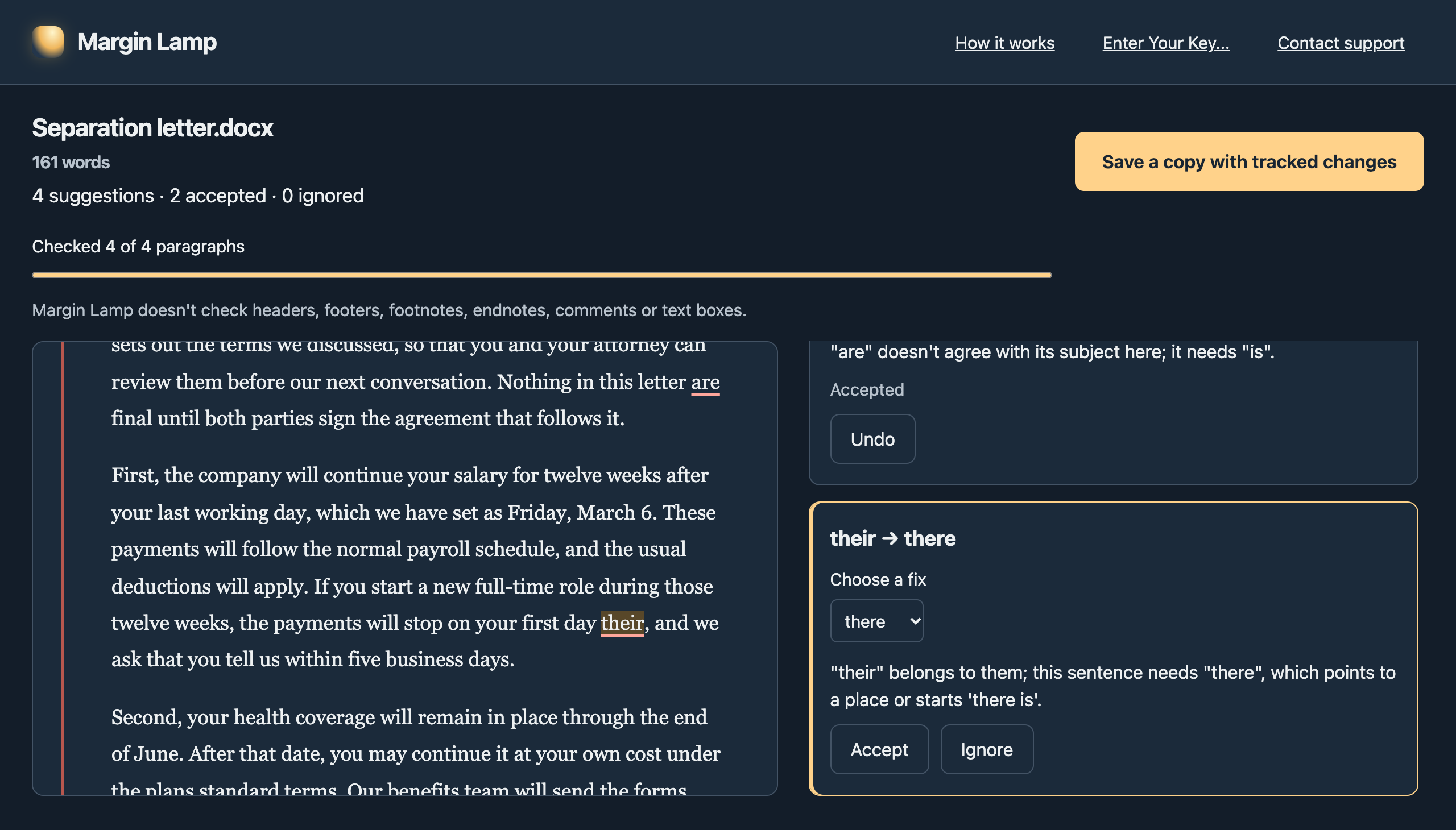
| A Word file for another reviewer | Margin Lamp will save a separate copy with real Word tracked changes, for you to accept or reject in Word. |
A table cannot know which tool your employer permits. For work material, add that check before trying the text. For a personal trial, use made-up content and include a sentence that needs no changes. Seeing what a checker leaves alone is as useful as seeing a correction.
What about checking text in every app?
The first version will check English Word files. It will not include pasted text, an any-app hotkey, browser extensions, phones or other languages.
Pasted text and an any-app hotkey are planned for a later version. There is no date for either feature.
For checks in any Mac app today, start with the options above. My launch list makes sense if you also review Word files and want to follow the work. It does not give you a hotkey to use now. There is no app download yet.
Think about the last piece you wrote. Was it a short chat message or a report for someone else to review? You may want a quick fix in the chat app. For the report, you may want a file that shows each edit. Choose for that task.
How should I test it in my apps?
Choose a few harmless lines. Include a clear error, a correct sentence and a name the tool may not recognise. Try the check where you actually write. Read every proposed edit before applying it. Undo a change if it alters the meaning. Then repeat in the next app you depend on.
Write down which apps were awkward to check or had no option you could use. That gives you a clear list of gaps to fill. Check where the writing goes too. A tool can be convenient without meeting your privacy needs. The privacy guide explains how to look into that.
Questions people ask
Does Writing Tools mean every Mac app?
Use Apple’s narrower wording in the sourced statement above. Test the actual text field and read the current guide.
Does Proofread always stay on the Mac?
The privacy statement above does not say where each Proofread request runs. Check that before using text that must stay on your Mac.
Can I use Margin Lamp for a selected passage today?
No. There is no finished app today. The first version will check English Word files. It will not include pasted text, an any-app hotkey, browser extensions, phones or other languages.
Keep reading
I tested this
Sources
- writewithharper.com/desktop · Read
- www.apple.com/apple-intelligence · Read
- support.apple.com/guide/mac-help/writing-tools-write-improve-summarize-mchldcd6c260/mac · Read
- support.apple.com/guide/mac-help/mchldcd6c260/26/mac/26 · Read
- www.apple.com/legal/privacy/data/en/intelligence-engine/ · Read
- Margin Lamp product plan, V1 SHAPE, read 21 November 2026. These plans still need app tests.